Authentication
Inbound requests directed to all PrimaryBid Connect API services and endpoints are governed through the following authentication methods:
- API keys - a set of credentials provided by PrimaryBid to Partners
- IP allowlisting - a list of IP addresses/ranges provided by Partners to PrimaryBid
Requests without either authentication method will result in an error.
Creating an API key
The PrimaryBid Connect API is self-serve. You can create and manage your API Keys via the Connect App.
Within the Connect App, click on your account icon, and select "Manage API keys".
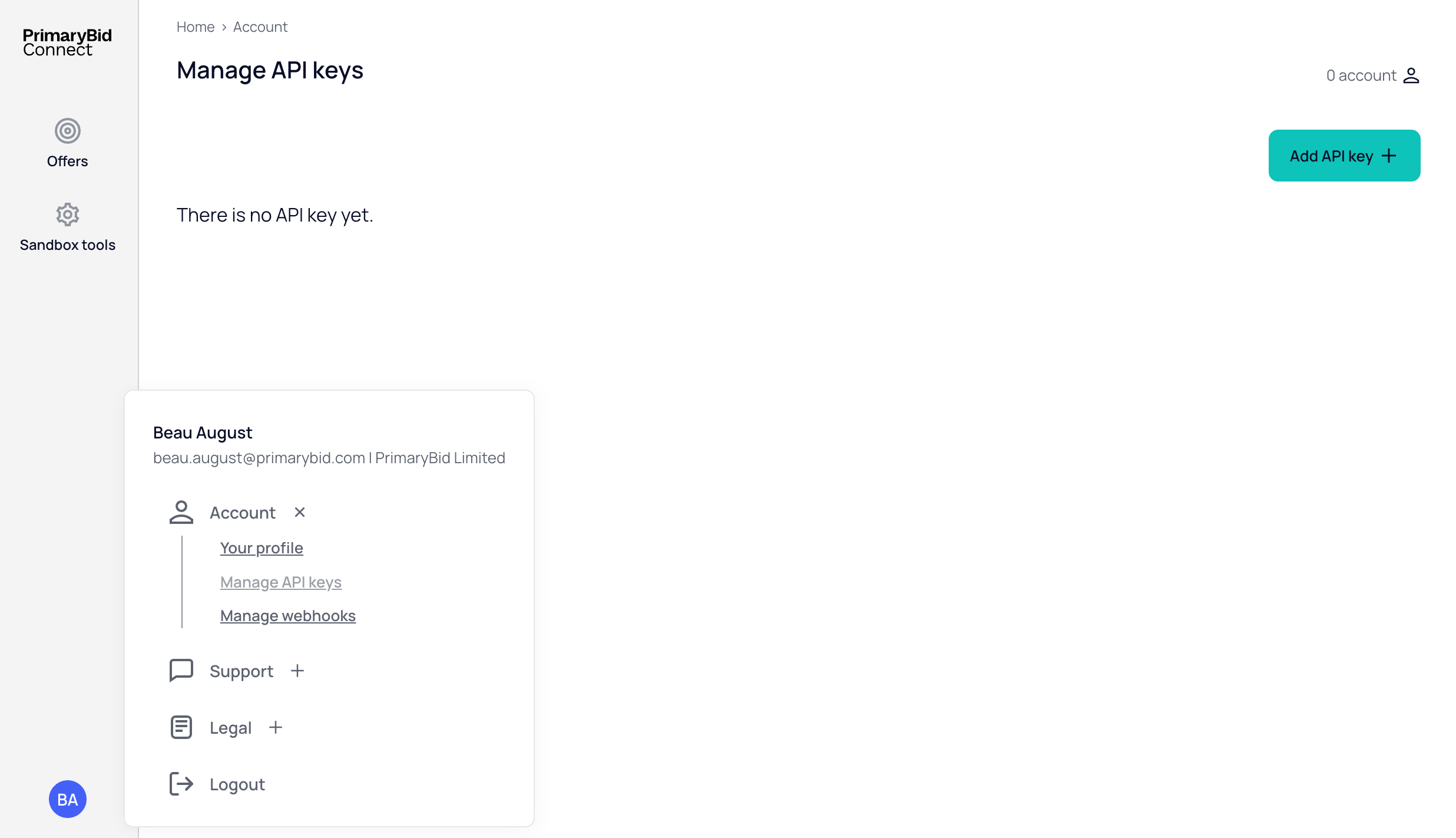
This page will display all of your active API keys. Clicking the "Add API key" button will open a modal for you to create a new key.
Give the key a label to help identify it later, and select a role to define the level of access.
- Deal Partner: can read offers and manage subscriptions
- Offer Partner: can only read offers
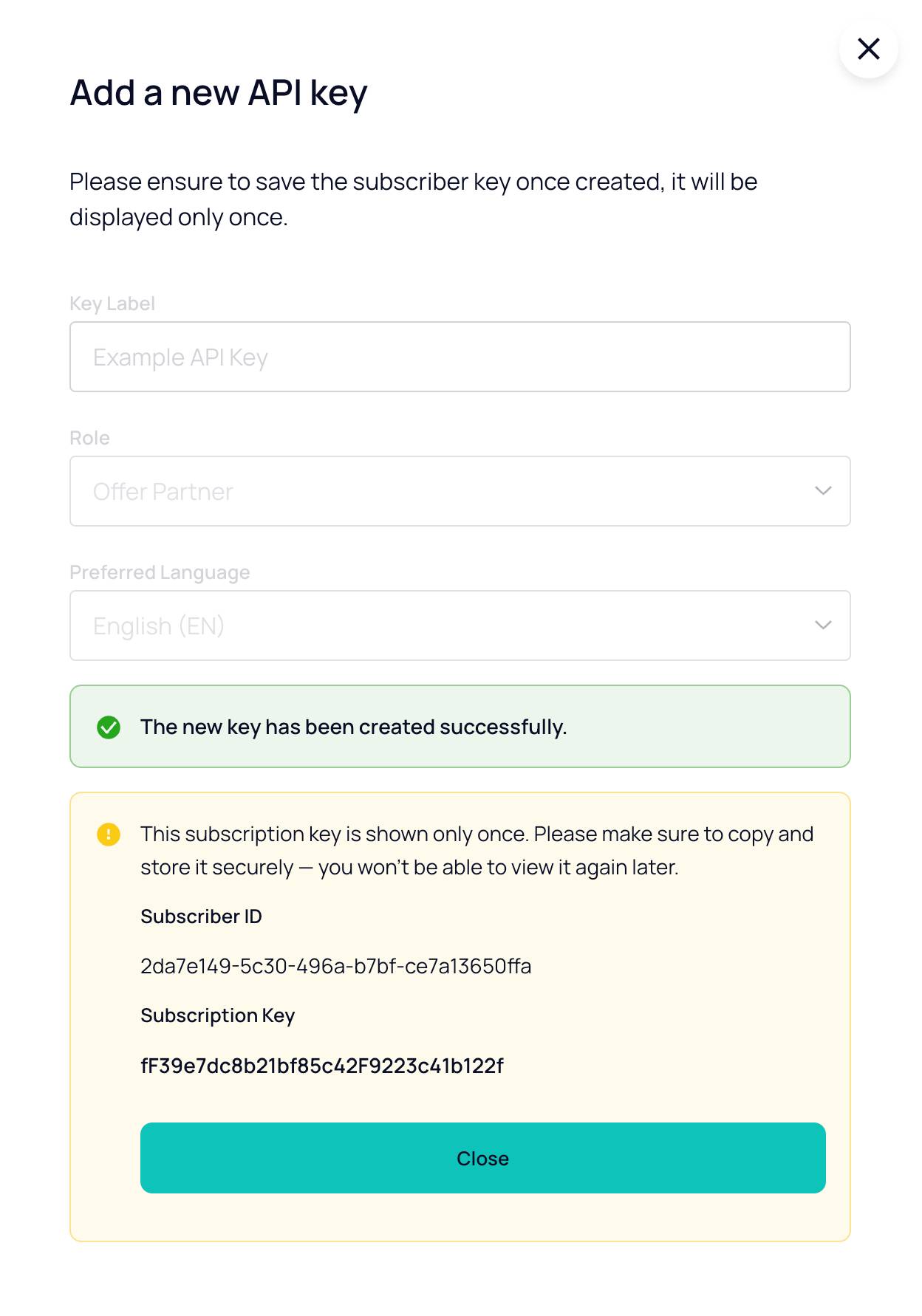
Once you've created the key, a Subscriber ID and Subscription Key will be generated.
Make a note of your Subscription Key. Once you close the modal, you will not be able to retrieve it again. If you lose the key, you'll have to generate a new one.
Incorrectly configured keys will result in the endpoint returning a 403 Forbidden error response code.
For more information please refer to Error Handling.